You’re a small business owner. A competitor copies your proposal template—logo, pricing structure, formatting—and pitches your client. No attribution. No recourse. The wrong PDF protection strategy costs you revenue and credibility. Generic “secure PDF” advice doesn’t address the core problem: visible deterrence.
Watermarks work because they’re immediate, non-removable, and traceable. But most PDF watermarking tools either bury the feature in bloated desktop suites or charge enterprise rates for what should be a two-click task.
We tested six online PDF watermark editors against three criteria: batch processing speed, customization depth, and pricing transparency. These tools differ in measurable ways—here’s the quick view:
| Firm | Best for | Notable specialty |
| Watermarkly | Multi-format batch jobs | Face-blurring + watermark combo |
| iLovePDF | High-volume free tier | Unlimited tools, 2-hour file retention |
| Smallpdf | Team collaboration | 30+ tools, mobile + desktop sync |
| Sejda | Offline desktop + web hybrid | No cloud upload required |
| Visual PDF | Privacy-first API users | REST API for workflow integration |
| pdfFiller | Brand-focused watermarking | Customizable transparency + orientation |
Why PDF Watermarking Became a Standalone Category
PDF watermarking sits between security and branding. Unlike passwords that restrict access or signatures that verify authorship, watermarks visibly claim ownership while keeping files fully shareable.
Photographers, designers, educators, real estate agents, and small businesses use them to discourage unauthorized sharing.
The main issue for buyers is fit, not features. Freelancers often need simple batch tools, whereas law firms want advanced tamper-evident stamps with metadata. Generic tools rarely satisfy both.
How to Choose a PDF Watermark Tool
Here’s what actually matters when comparing these tools. Run through these points before you commit.
- Batch processing capacity — Free versions usually limit you to 2–10 files per upload. Paid plans handle much more (50–500+). If you watermark documents regularly, those small limits can waste a lot of time.
- How detailed the customization is — Can you easily adjust size, color, transparency, rotation, and exact positioning? This separates basic tools from those that truly support your branding.
- Pricing transparency — Clear published prices are great for smaller teams. “Contact sales only” typically signals higher enterprise costs. Watch out for currency differences and billing cycles, too.
- What happens to your files — Check retention policies. Some keep uploads for a couple of hours; privacy-focused ones don’t store them at all. This becomes critical with confidential contracts or patient data.
- API availability — If you need to automate the process, a solid REST API makes life much easier. Manual-only tools simply don’t scale beyond a certain volume.
Top PDF Watermark Tools
Not all PDF watermark tools work the same way. Some handle multiple file types. Others focus on privacy or team workflows. Below are six solid options, each with a different strength.
1. Watermarkly — Multi-Format Batch Processing
Watermarkly positions itself as “extremely easy to use and navigate—even if you’re not tech-savvy, you’ll be able to create a watermark for your photos in just three clicks.”
The only tool in this roundup that watermarks images, videos, AND PDFs in one upload—ideal for mixed-media portfolios or real estate listings where you need uniform branding across file types.
The interface handles batch watermarking across text and logo formats, with unusual additions like photo blurring (useful for redacting faces in testimonial PDFs or license plates in property photos).
Pricing is transparent: USD 19.95/year for 1-year access or USD 39.95 one-time for permanent access. Both tiers grant access on up to 10 devices and remove the “Watermarkly” logo from output files.
The service supports Google Drive, Google Photos, and Dropbox imports, eliminating manual downloads before processing.
| Feature | Detail |
| File types | Images, videos, PDFs |
| Batch limit | 100 files per upload |
| Watermark types | Text, logo, custom graphics |
| Unique tools | Face blur, license plate blur |
Limitation: Watermarkly focuses heavily on visual content workflows for images, videos, and PDFs, which may make it less tailored to advanced document-management use cases than some PDF-focused platforms.
2. iLovePDF — High-Volume Free Tier with 2-Hour File Purge
iLovePDF has been around since 2010 and has built a strong reputation for putting a full set of PDF tools in one spot — most of them free and genuinely easy to use. Watermarking sits comfortably alongside merge, split, compress, and edit functions. Uploading is simple, whether you drag and drop or connect directly to Google Drive or Dropbox.
For light users who only watermark now and then, this is often the top free pick. You just have to live with the processing limits and the two-hour file retention window.
Paid plans start at €60 per year (€9/month) for Premium, which gives you unlimited processing, desktop and mobile apps, signatures, workflows, and AI credits. Teams of 25 or more can go for the Business tier, which adds custom contracts, a personal account manager, and SSO.
Weakness: No published specs on watermark customization depth (transparency levels, rotation angles, multi-layer overlays). The tool optimizes for speed over granular brand control.
3. Smallpdf — Team Collaboration with Priority Support
Smallpdf serves “over a billion users worldwide with 30+ tools designed for simplicity, security, and reliability.” The watermarking feature sits inside a broader suite covering Merge, Sign, Edit, Compress, and conversion tools (PDF to Word, PDF to Excel, PDF to PowerPoint).
The go-to for distributed teams that need centralized billing, shared watermark templates, and guaranteed uptime—though you’ll pay enterprise rates for the privilege.
Pricing includes a Free plan with limited downloads and mobile access, a Pro plan at USD 9/month billed annually with unlimited access to 30+ PDF tools and AI features, Team plans starting at USD 7/month per seat with centralized billing and priority support, and custom-priced Business plans for 20+ users.
Integrations:
- Google Drive,
- Dropbox,
- Google Workspace,
- Chrome Extension.
Weakness: Free plan includes daily usage and download limits, which can slow down frequent watermarking workflows.
4. Sejda — Offline Desktop Hybrid with No Cloud Uploads
Sejda differentiates through “easy, pleasant and productive PDF editor that works online or offline—in the cloud or as a desktop application.” The desktop version processes files locally, never leaving your computer, eliminating breach vectors for regulated documents. The web version mirrors the toolset for quick tasks.
The privacy-first choice for compliance-sensitive industries—process NDAs, patient records, or financial audits locally without server-side exposure.
Pricing splits into four tiers:
- Web Week Pass: $5 per user for 7 days (web only, no desktop)
- Web Monthly: $7.50 per user per month (web only, recurring)
- Desktop+Web Annual: $63 per user per year (both platforms, includes a year access to Sejda Desktop)
- 20% volume discount for 10 users applies across all tiers
The annual plan delivers the best value: unlimited documents, no page or hourly limits, OCR up to 100 pages, multiple-file processing, up to 21 minutes per task, 500MB file uploads, and email support.
Desktop advantages:
- No upload wait times—files never touch external servers
- Offline operation (airports, secure facilities, air-gapped networks)
- Batch processing limited only by local CPU/RAM
Weakness: The desktop app requires installation and periodic updates—cloud-first teams may find the hybrid model adds friction compared to pure-web competitors. No published API for automated workflows.
5. Visual PDF — Privacy-First REST API for Developers
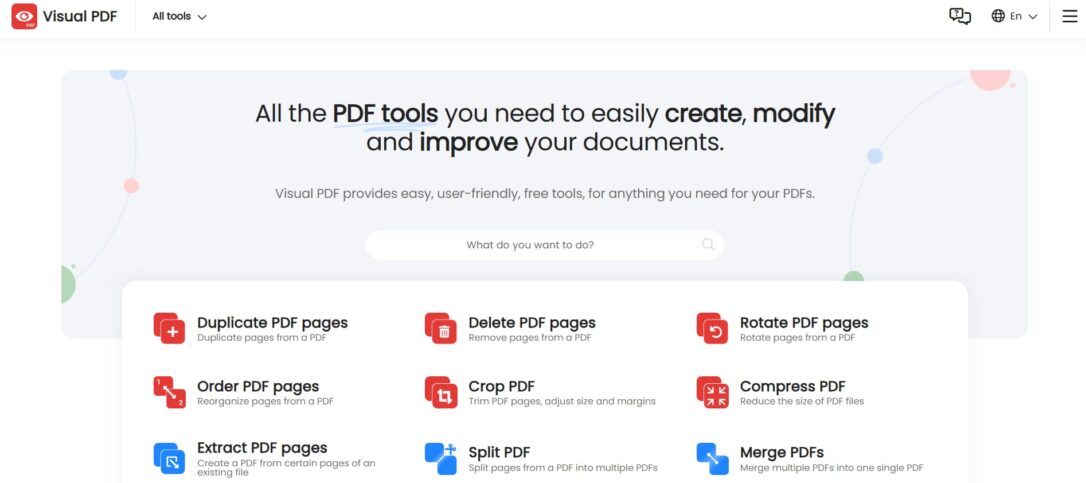
The only tool in this list built for programmatic integration—embed watermarking into CI/CD pipelines, document assembly scripts, or SaaS products without GUI overhead.
Founded in 2020, Visual PDF positions itself as “privacy first—your files and data are never collected or processed”. The platform offers REST API integration for developers who need to automate watermarking at scale, alongside browser-based tools for manual jobs.
Core features include Images to PDF, Split PDFs, Merge PDFs, PDF editing, and PDF creation. The API accepts POST requests with file payload, watermark parameters (text/image, position, opacity), and returns processed PDFs via JSON response.
Use cases:
- E-commerce: Auto-watermark invoices before emailing customers
- SaaS platforms: White-label PDF exports with dynamic tenant logos
- Legal tech: Batch-stamp “DRAFT” on pre-approval contracts
- Publishing: Add copyright notices to downloadable whitepapers
Weakness: Sparse documentation on watermark customization options (font families, rotation, multi-layer stacking). No published SLA or uptime guarantees for the API—enterprise buyers need dedicated support contracts.
6. pdfFiller — Brand-Focused Watermarking with Transparency Controls
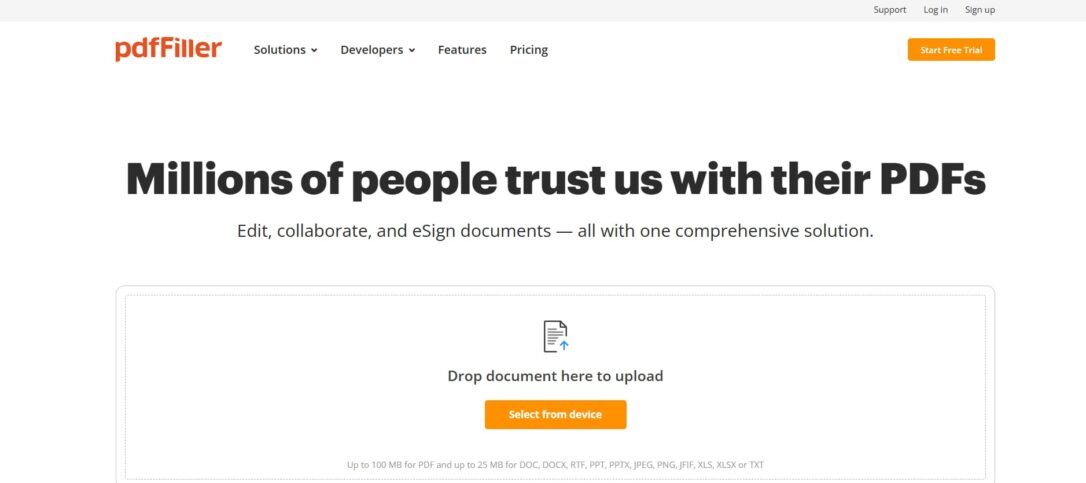
pdfFiller markets itself as a flexible cloud-based PDF solution for editing, signing, and managing documents on the go. Its watermarking feature stands out for protecting intellectual property while reinforcing your brand.
The clean interface makes it simple to customize watermark size, color, transparency, and position. Everything stays consistent across devices.
Watermarks serve two purposes here: they clearly mark documents as proprietary to prevent leaks, and they help keep your logo or slogan visible.
Other useful tools include:
- PDF editing;
- eSignatures and signature requests;
- Merge, rearrange, and compress functions.
Watermark customization:
| Feature | Capability |
| Format support | Text watermarks (names, company, trademarked content) and image watermarks (logos, high-resolution graphics) |
| Multi-type layering | Add multiple watermark types to a single PDF, useful for categorizing documents or indicating status levels like drafts or final versions |
| Security | Encryption protocols protect files after watermarking, making unauthorized access significantly more difficult |
Weakness: No published pricing—expected “contact sales” model signals enterprise focus. No founding year disclosed, and no documented batch limits or API access for high-volume workflows.
Frequently Asked Questions
Q: Can I watermark PDFs without uploading to a server?
A: Absolutely. Sejda’s desktop app runs everything locally. Visual PDF’s tools also keep files off servers. These are smart choices for sensitive or confidential work.
Q: What’s the real difference between text and logo watermarks?
A: Text versions work well for simple stamps like “CONFIDENTIAL” or “DRAFT.” Logo watermarks (PNG or SVG) deliver stronger branding and are harder to strip out. Most tools
support both.
Q: How many files can I process at once?
A: Watermarkly handles around 100 files quickly. iLovePDF Premium offers unlimited batches. Free tiers usually limit you to just a few files.
Q: Will watermarked PDFs still be editable?
A: Yes. Watermarks don’t prevent editing unless you add password protection or restrictions yourself.
How We Ranked These Tools
We evaluated six online PDF watermark editors and ranked them based on four core factors: customization options (transparency, rotation, layering), pricing transparency, file handling after processing, and usage limits on different plans.
We only included tools with clear, documented features and avoided those driven purely by marketing. We also considered company longevity, cloud storage integrations, and unique capabilities like API support or offline functionality.
Conclusion
PDF watermark tools vary mainly in pricing, processing approach, and how many files they let you handle at once. A few focus on speedy online workflows, while others emphasize offline security or API integration.
Before committing, run a quick test with your regular files. Check the batch limits, customization depth, and costs to make sure the tool matches your real needs.